
Go to Configure >> User Management >> Incident User Groups.
Select the LogPoint instances where you want to add user groups to incident user groups or remove user groups from incident user groups. You can select multiple LogPoints instances of different pools.
Click Next.
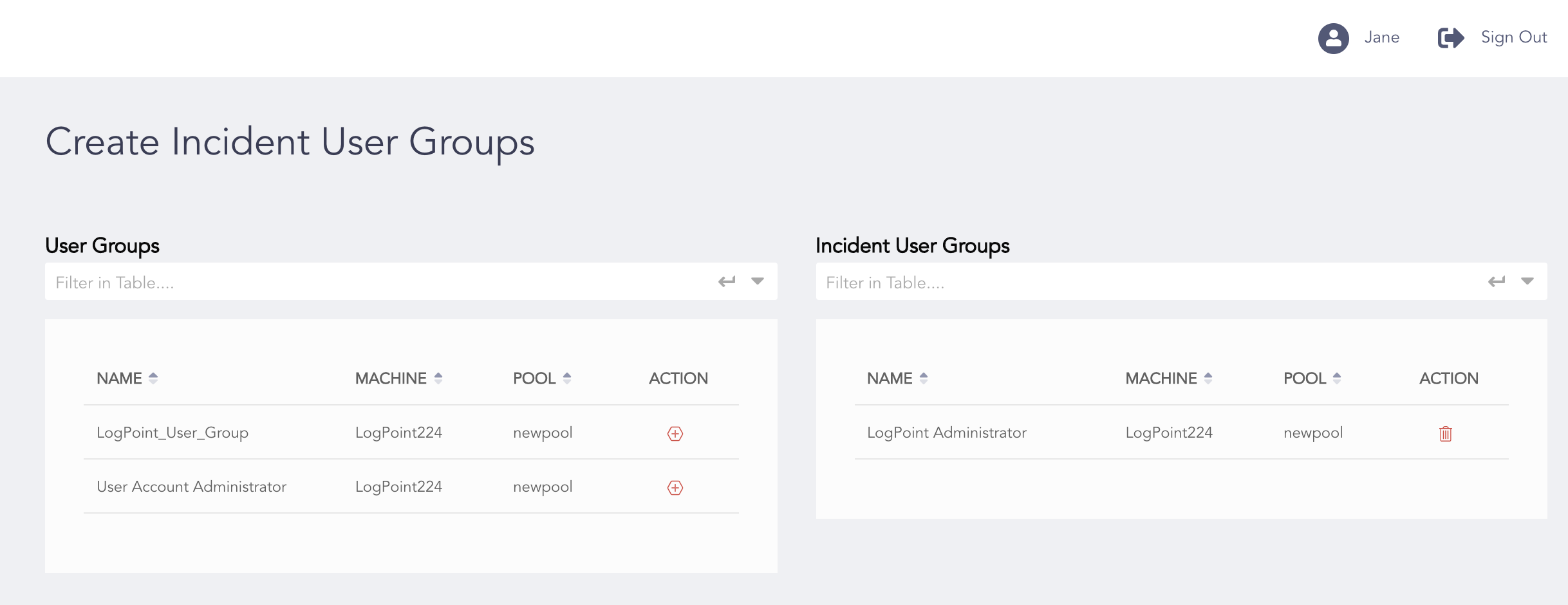
Adding User Groups to Incident User Groups
Click the Add to List icon from the Action column to add a user group to the incident user group.
Click Ok.
You can remove a user group from the Incident User Groups list by clicking the Delete icon from the Action column.
Note
Refer to the Incident User Groups section to learn more about incident user groups.